AI Multicam Video Editor for Podcast Switching: How Automatic Camera Cuts Work
 Johnathan Parker |
October 22, 2026 |
10:22 am
Johnathan Parker |
October 22, 2026 |
10:22 am
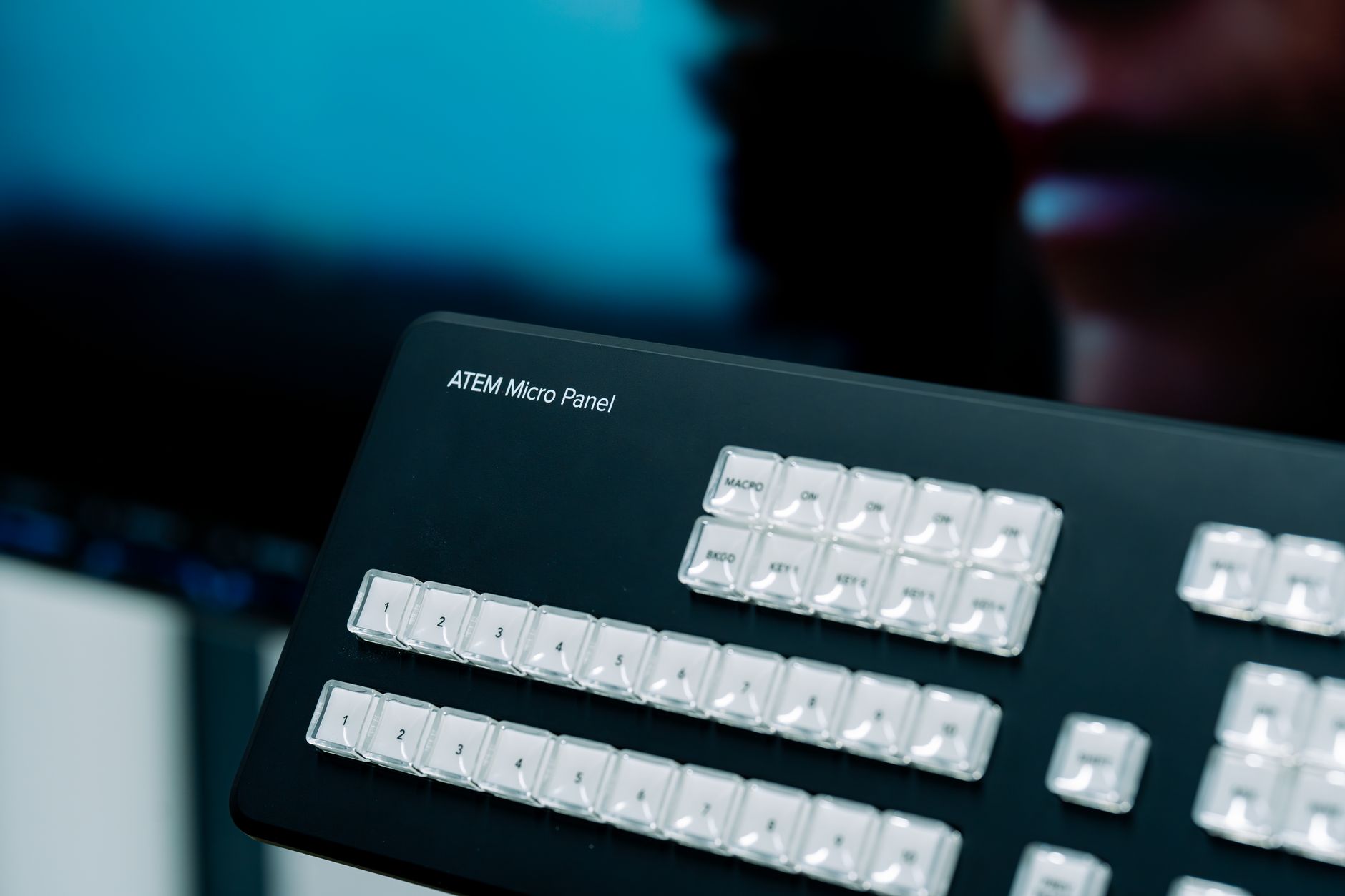
AI multicam podcast switching uses speaker detection to cut to whoever is talking, so you don’t have to switch camera angles by hand. For an Adobe workflow, Adobe Firefly’s AI video editor handles B-roll, audio cleanup, and quick edits, while Premiere syncs multicam angles by audio for the switching pass.
A two-person video podcast with three cameras can mean hundreds of camera changes per episode. Done manually, an editor watches the whole recording and cuts to each speaker as they talk, then adds wide shots so the video doesn’t feel like ping-pong. AI multicam tools take over most of that first pass. They listen to each microphone, figure out who’s speaking, and switch to the matching camera, often adding wide shots during back-and-forth exchanges.
The result is a rough cut you refine instead of building from scratch. You’ll still want to review reaction shots, fix moments where two people talk at once, and choose where a wide shot tells the story better than a close-up. But the hours spent on mechanical switching shrink to minutes.
A typical AI multicam workflow follows four steps. First, record each speaker on their own microphone and camera, plus a wide shot of the whole table. Next, import everything and sync the angles, usually by matching the audio. Then run the AI switching pass to build a first cut. Finally, review the edit, adjust any awkward switches, and export a full episode along with shorter clips for social media.
What’s the Best AI Video Editing Software for Multicam Footage?
The best AI video editing software for multicam footage depends on which editor you already use. Some tools build automatic switching into the editor itself, while others add it through plugins. The table below compares four options.
| Platform | Best for | Key details |
| Adobe Firefly and Premiere | Creators who want AI assets and pro multicam tools in one Adobe workflow | Firefly generates B-roll, enhances dialog audio, and supports Text-Based Editing; Premiere creates multi-camera source sequences synced by audio; plugins such as AutoPod and FireCut add automatic speaker switching |
| Descript | Transcript-first podcast editing | Automatic Multicam detects who’s speaking and cuts to the right camera; styles include an automatic mix with cutaways or active speaker only; uses AI credits |
| DaVinci Resolve Studio | Editors who want switching built into a full desktop suite | AI Multicam SmartSwitch builds a timeline with camera angles based on speaker detection; Studio is a one-time $295 purchase |
| AutoPod (Premiere plugin) | High-volume podcast editing in Premiere | Multi-Camera Editor handles up to 10 cameras and 10 microphones, identifying who is speaking |
Firefly doesn’t switch multicam angles itself, but it fills the gaps around the switching pass, from generating cutaway B-roll to clarifying dialog with Enhance Audio and adding a soundtrack.
What Should You Look For in the Best AI Multicam Video Editing Tools?
The best AI multicam video editing tools share a few traits, and checking for them before you commit saves frustration later.
Per-speaker audio support: Most tools detect speakers from separate microphone tracks. A review of AutoPod notes it works less well with a single shared audio source, so record each person on their own mic when you can.
Reliable sync: Angles need to line up before AI can switch between them. Premiere can sync multi-camera source sequences by audio, which works well when every camera records reference sound.
Style control: Look for options beyond “show whoever’s talking,” such as wide shots during crosstalk or cutaways during long answers. Descript’s Automatic style adds cutaways during monologues.
Easy overrides: AI switching is a first draft. Make sure you can change any cut without redoing the whole sequence.
FAQ
Do I need a separate microphone for each podcast guest?
It helps a lot. AI switching tools typically decide who’s talking by comparing microphone levels. When each person has a dedicated mic, the AI can tell speakers apart more reliably. With a single shared mic, expect more manual fixes. Headphones also help, since they keep one guest’s voice from bleeding into another guest’s microphone.h3>Can I create multicam-style switching with just one camera?/h3>p>Yes, with a workaround. Some Premiere users duplicate a single camera clip, crop each copy to a tighter framing, and combine them into a multi-camera sequence. Switching between the wide and punched-in versions gives the look of multiple angles. Shoot in a higher resolution than your final export so the crops stay sharp.
Where does Adobe Firefly fit in a multicam podcast workflow?
Use Firefly for the parts of the edit that switching tools don’t cover. You can generate B-roll and soundtracks, clarify dialog with Enhance Audio, cut by transcript with Text-Based Editing, and set vertical, square, or horizontal formats for social clips. Firefly’s video editor is built to hand off to Premiere for finishing.