Business
Secure Your PDFs By Removing Sensitive Text
 Johnathan Parker |
July 12, 2024 |
3:03 pm
Johnathan Parker |
July 12, 2024 |
3:03 pm
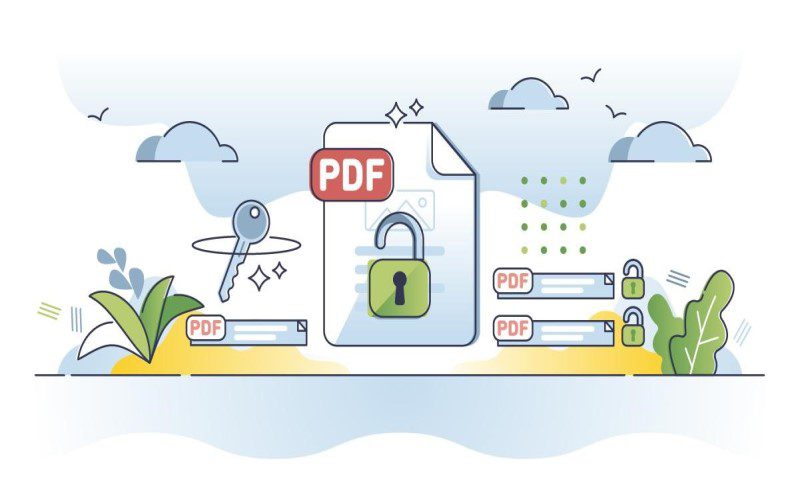
PDFs have become an important part of our professional lives for sharing important information. Currently, PDF is used for every financial or presentation document. Often, these files also contain sensitive data, which, when unintentionally disclosed, can cause serious consequences. Hence, this article will discuss how to remove text from PDF documents to secure sensitive information and ensure that your data always stays protected.
Significance Of Removing Sensitive Content From PDF
Accidental information leak of confidential documents often has a devastating effect. Here are some reasons why you should remove sensitive content from PDFs while sharing:
- Compliance: Many industries, such as healthcare and finance, have strict regulations for data privacy. Removing sensitive content from PDFs would help ensure compliance and avoid litigation or fines.
- Security: Unprotected PDF files mostly contain credit details, social security numbers, or internal company strategies, which are hotspots for cybercriminals. Removing information in such cases would significantly reduce the risk of data breaches.
- Confidentiality: If you remove text from PDF documents before sharing them with unauthorised individuals can help you maintain your trust and reputation. This gives you complete control over your information and lets you decide who can access that data.
- Privacy: Last but not least, we as individuals have the right to privacy for our personal information. Redacting personal information would help us protect our privacy and create respect for the data.